Nota Bene
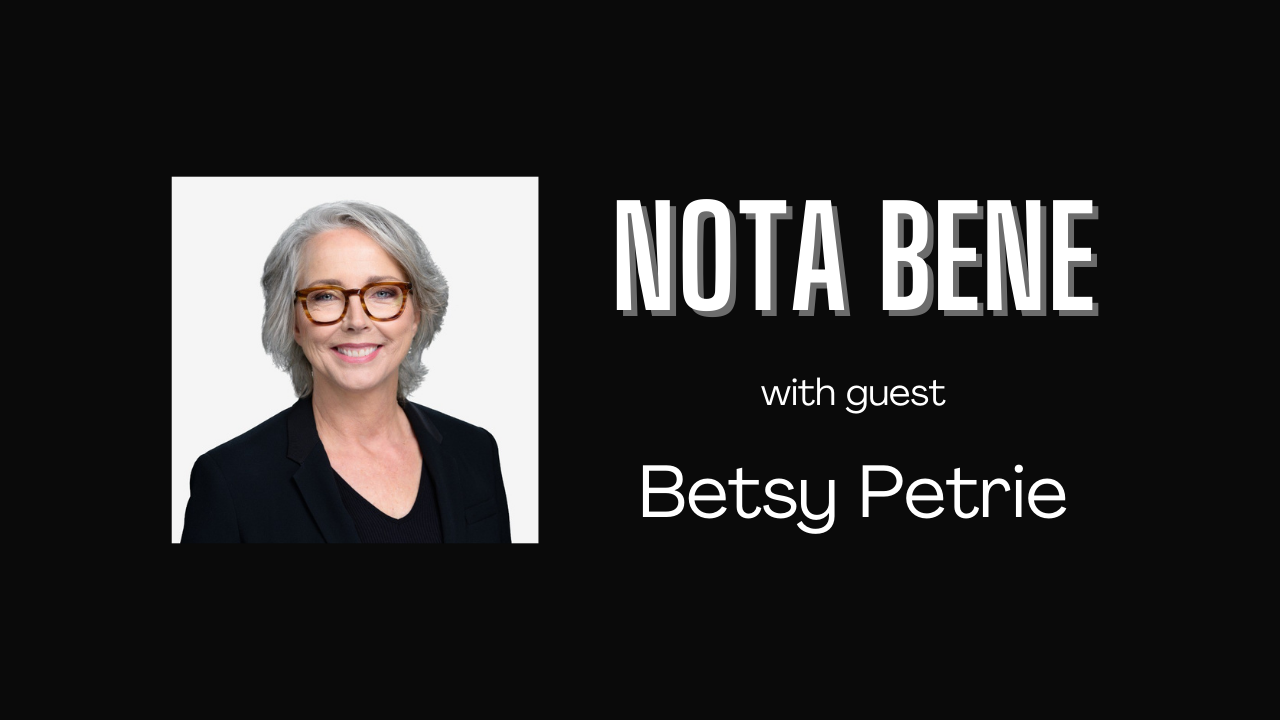
From latin meaning “take note”, Nota Bene is a video interview series with the goal of updating your thoughts on various topics in business, marketing, communications, art, and life.
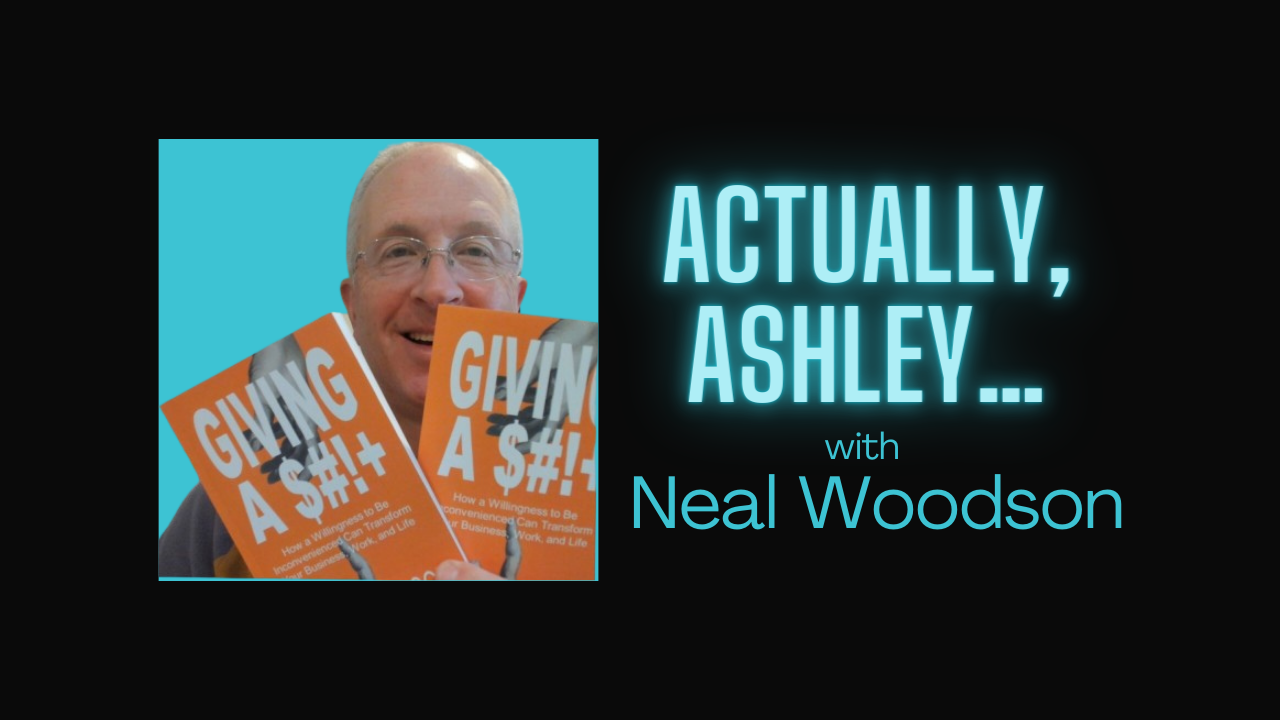
(FKA Actually, Ashley…)
Nota Bene - A LinkedIn LIVE Series
Latin for take note, Nota Bene (NB) is a video interview series on LinkedIn LIVE built as a platform for entrepreneurs and creatives to share their unique knowledge and perspectives.
Formerly known as Actually, Ashley… I wanted people to correct my assumptions about their industry. Example: I think insurance is boring. Tell me why I’m wrong. This series is meant to educate, motivate, and inspire others by sharing your journey and insights. I’ve shifted to Nota Bene to recenter the focus on my guests. Too often we would wrap an interview and in the post-interview greenroom say “I’m so sorry I never asked about you!” The interviews were never supposed to be actually about me, Ashley.
The format is the same for Nota Bene. I have 5k followers and connections on LinkedIn that get a notification if they’re in LinkedIn that we are going live. Afterwards, the interview lives on my blog as well as LinkedIn for my network.
If we haven’t chatted before, I ask to set up a 15 minutes chat to get to know you better and see if we have a good flow before going LIVE. It’s only happened once but I’m looking for “Yes, and” energy.
Guests book on my calendar link with answers to common questions we discuss each episode and I add it to the event description on LinkedIn. Happy to edit, amend, or delete web copy/links if your business changes down the road. All interviews will be posted on my blog as well as LinkedIn.
Nominate Yourself or Someone of Note
Frequently Asked Questions
What do you expect from guests?
Get excited! People are more likely to tune in and stay if you’re excited and promote this
Confirm participation as a speaker on LinkedIn by going to the event page (up to two weeks out)
Invite anyone in your network that might chime in with questions or cheer you on
Join the StreamYard link 15 minutes early on the day of the event (greenroom)
Reshare after the interview with your own thoughts to highlight how awesome you are (self-promotion encouraged!)
Let me know if you would like the video file or a code snippet to add to your website
What’s in it for me? (WIIFM)
Glad you asked — let’s keep it real:
Human: Live interviews are human by nature and is a live way to showcase what it is like working with you.
Reach: I have 5k followers on LinkedIn that are engaged professionals, and I can personally amplify to targeted audiences (industry peers, founders, local leaders, etc.).
Ease: We go live. No editing. No re-recording. Just a genuine conversation that turns into instant, shareable content. This is efficient and honestly I simply don’t have the capacity to edit a podcast in post production. Sorry, not sorry!
What are common questions covered?
Journey: How did you get started doing what you do?
Bragging Rights: What accomplishments are you most proud of?
Unique Skills: What are some skills that are essential to your work that might be misunderstood or under appreciated?
Mentors and Muses: Who has inspired you or helped you along the way? (Doesn’t have to be in your industry)
Topics/Trends: What are some interesting themes you see in your industry? (Come with examples!)
Priorities: What are you saying yes to more? And no? (Can be personal or professional)
Moonshots: What are your next big goals? (Can be a lifetime legacy, 5 years, or even this year)
Prospects/Partners: Who would you like to connect with to reach those goals?
Promotions: Do you have anything upcoming that we can share? (books, events, programs, etc.)
We can talk about passions outside of your work and I try to respect any topics (taboos) you don’t want to cover as well. My goal is for you to show another side that people might not get from just glancing at your LinkedIn Profile. If you’re interested in being a guest, let’s discuss!
Before the broadcast
Make sure you have the following:
A laptop or desktop with a webcam and mic.
A recent version of Chrome, Edge, Firefox, or Opera
A strong internet connection. Just like Skype, you must have a strong internet connection for it to work well. If possible, connect to your router with an ethernet cable instead of using WiFi.
We recommend wearing earbuds or headphones to prevent audio echoes.
If you don’t have a laptop or desktop, you can also join the StreamYard studio on your mobile device such as a phone or tablet! If you are using an Android device, we recommend the Chrome browser.
If you are using an iOS device such as an iPad or iPhone, we recommend downloading our mobile app from the Apple app store. Click here to download the StreamYard App! For instructions on how to use our app to join a studio as a guest, check out our article here. If you don't want to use the app, you can also join the studio directly from the Safari browser.
If you're on iOS 14.2, we recommend updating your device before joining. iOS 14.2 has some issues with audio stuttering.
Showtime
When the time comes, follow these steps to enter the broadcast studio:
Open the link provided by the host in a supported browser for your device and you’ll be taken to their broadcast studio.
Allow StreamYard to access your camera and mic.
Make sure you have the correct camera and mic selected.
Enter a display name. Use your actual name or the name of your brand. Then enter the studio.
The host will be informed that you’ve arrived. You won’t be part of the broadcast until the host decides to add you in. The page will update to let you know when you’ve been added. Then everyone will be able to see and hear you. This is your time to shine!
Remember, the host asked you to join because they want to hear what you have to say. Have fun!
Looking to add your own destinations to the livestream?
This is now possible using our Guest Destinations feature!
Guests FAQ
Hosts mostly control the show but what can guests do?
Participate on-stream with camera and microphone
Share screen, videos, and slide presentations
Communicate with other participants using private chat
View comments from destinations being streamed to
Use Virtual Background/Greenscreen effects
Add their own destinations to the stream. Here’s how!
You can read the full article here: https://support.streamyard.com/
FAQ:
Is it LIVE? Yes! I don’t have the capacity to edit a podcast in post production. Sorry!
Why LinkedIn? Reach. I have 5k followers and I can invite hundreds of people in a specific location, industry, etc.